How Ethos A.I is designed to work.
A plain-language walk-through of the visitor's experience — from install to answer.
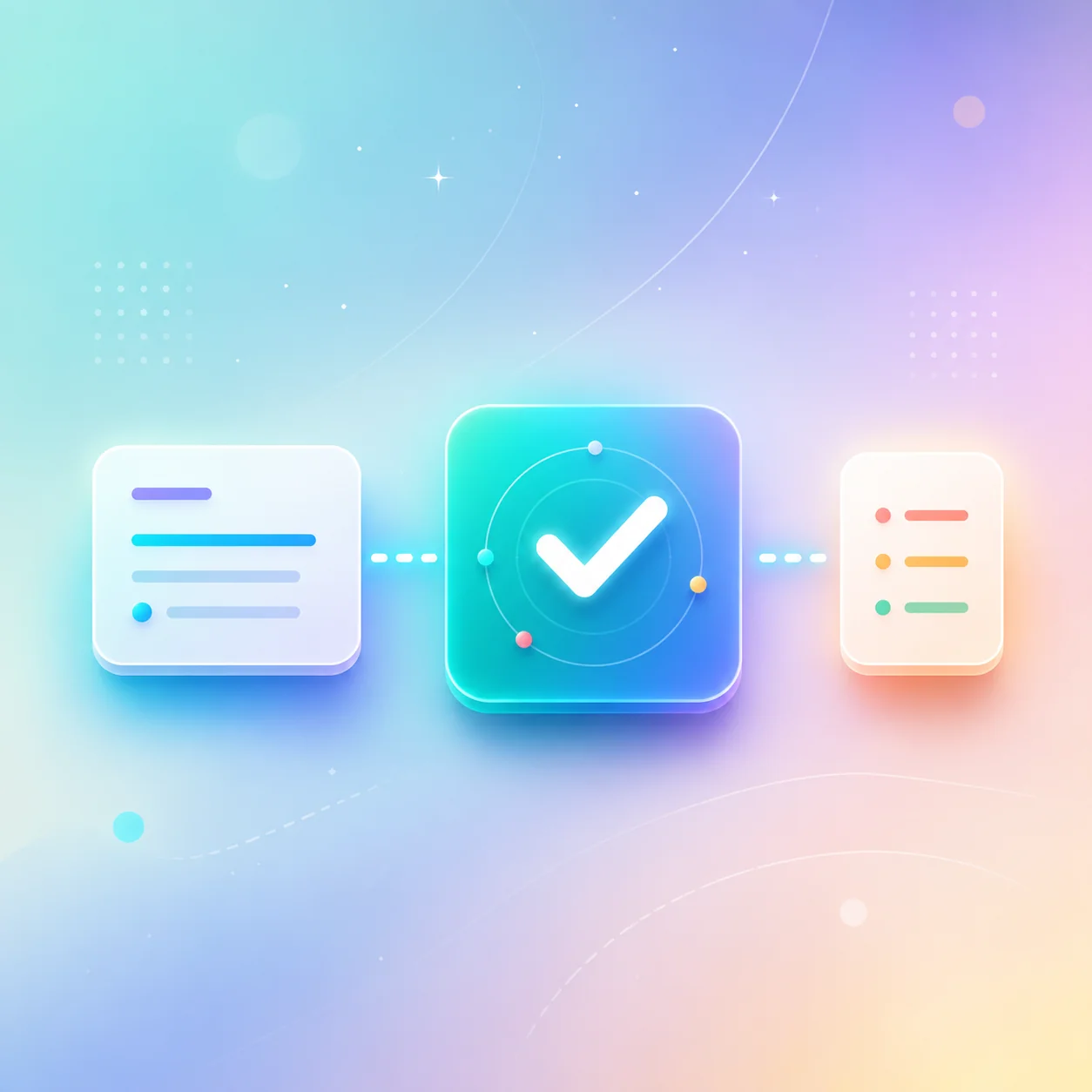
Install, configure, and use — locally.
Install on supported hardware
Ethos A.I is designed to require compatible hardware and an approved installation. Final hardware requirements will be published when they are confirmed.
Choose approved capabilities
Different local capabilities may help with conversation, documents, coding, research, images, and personal knowledge. Not every capability will be included in every edition.
Approve folders
You control which folders Ethos A.I can understand. No automatic whole-computer scanning — collections can be enabled or disabled at any time.
Ask Ethos
Talk to Ethos naturally. The system selects an appropriate local capability without exposing internal routing details.
Receive an answer
Answers based on local documents may include source references so you can verify. Important output should always be reviewed.
What works offline, what needs the internet.
Local (offline-capable after install)
- Conversation with the local assistant
- Approved-document search
- Local coding help
- Local organization and notes
- Previously-installed tools
Internet-required
- Live web research
- Remote access
- Online updates
- Third-party APIs
- Cloud integrations
Important limitations
Performance depends on hardware — some features may require stronger computers. AI output can contain mistakes and important information should be verified. Final product features are still being determined.